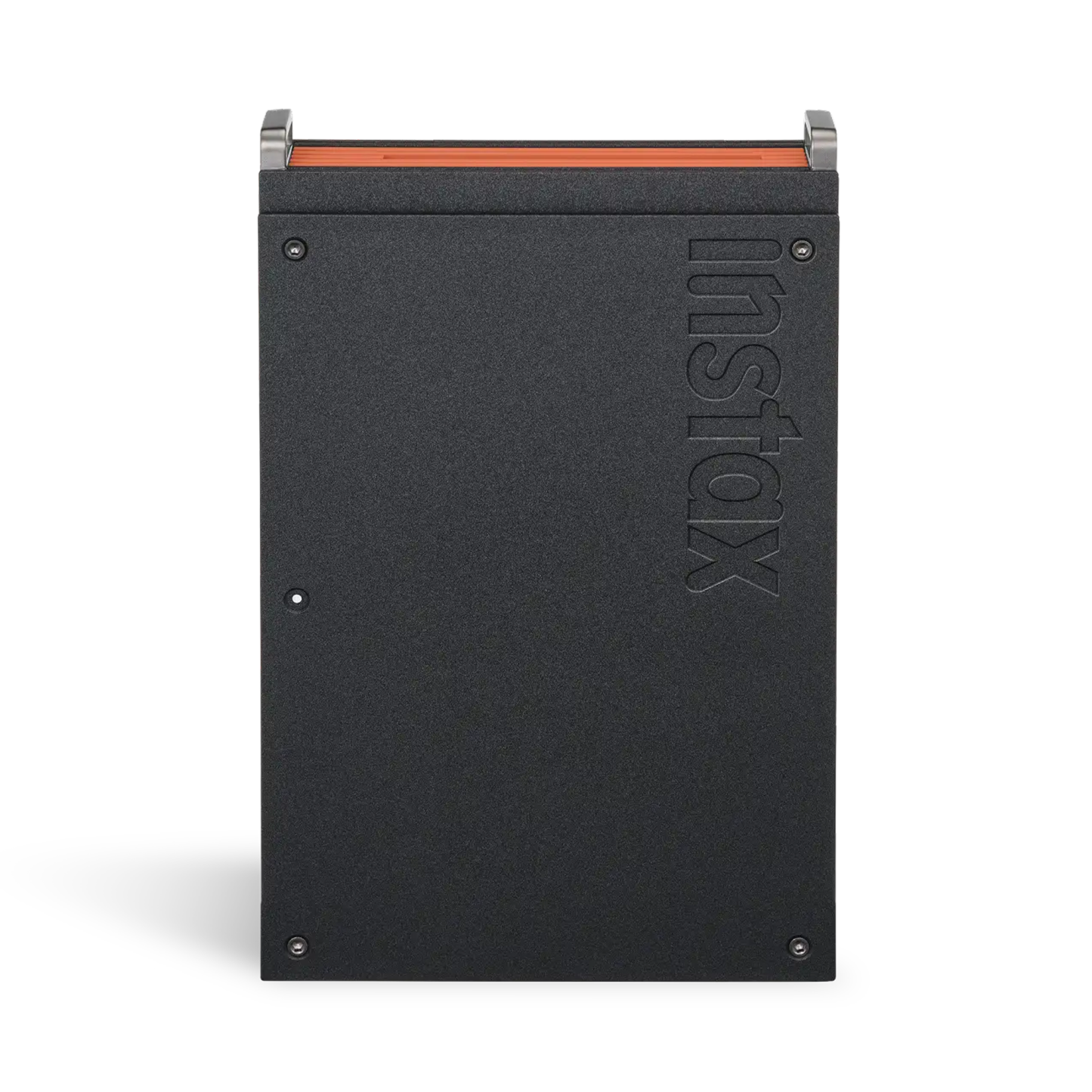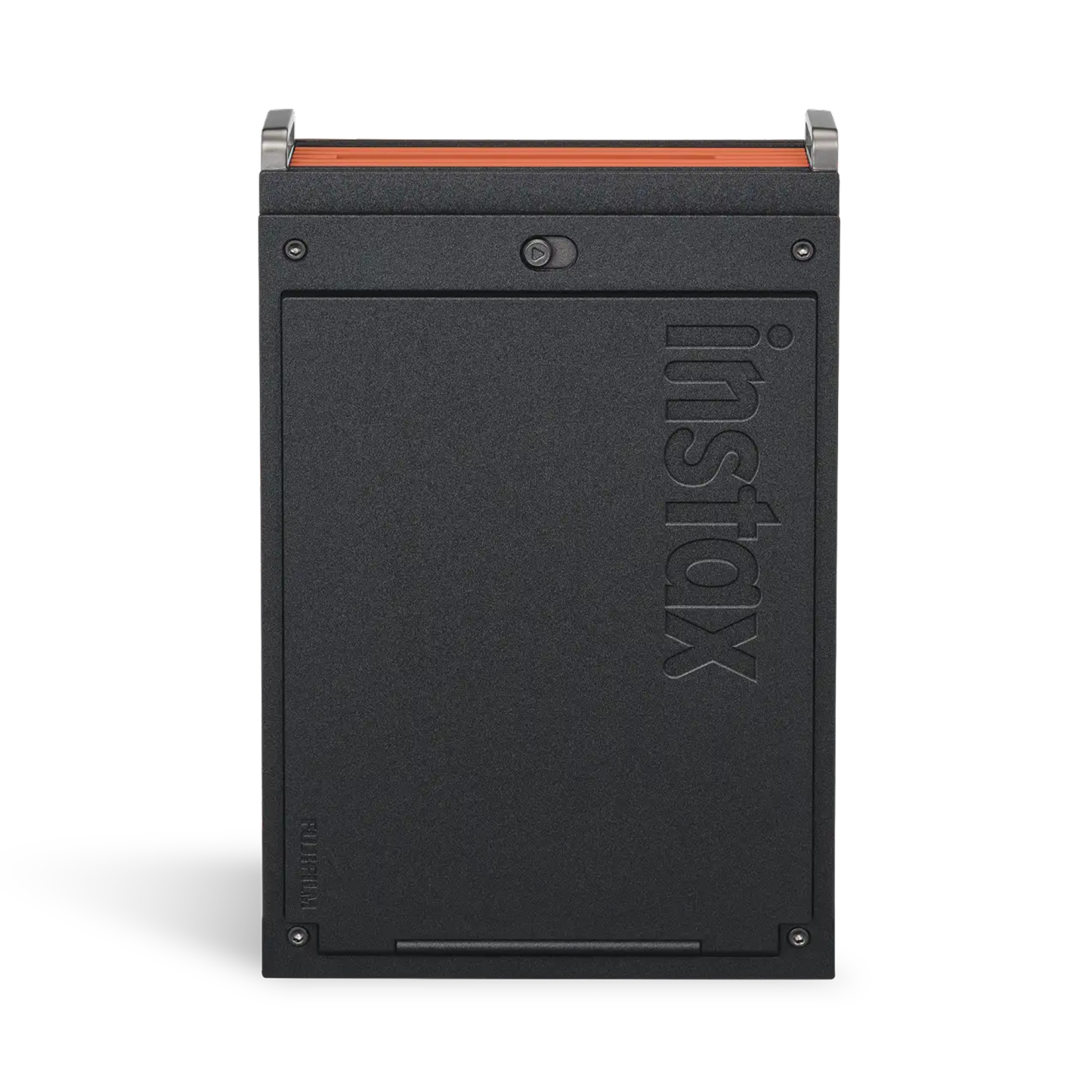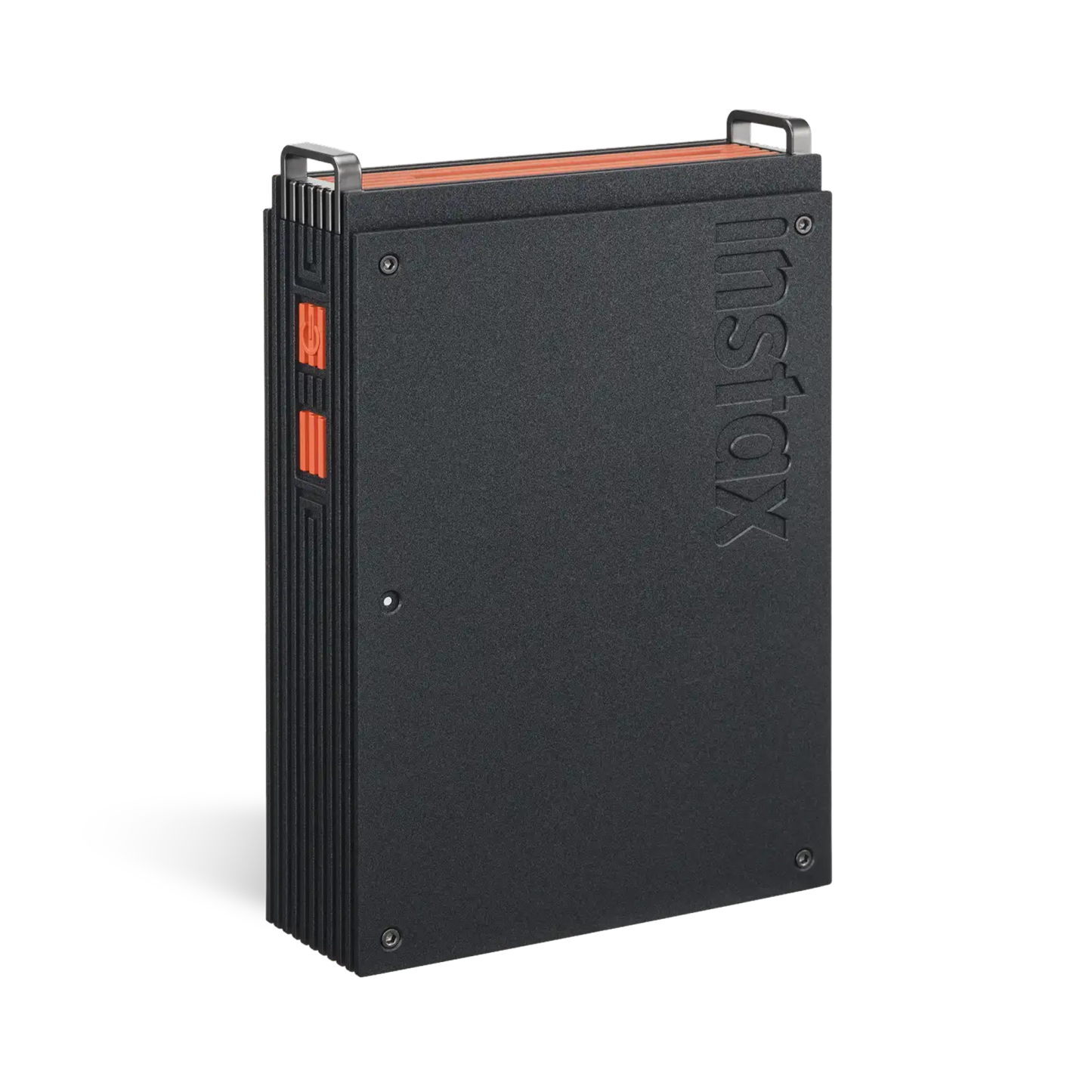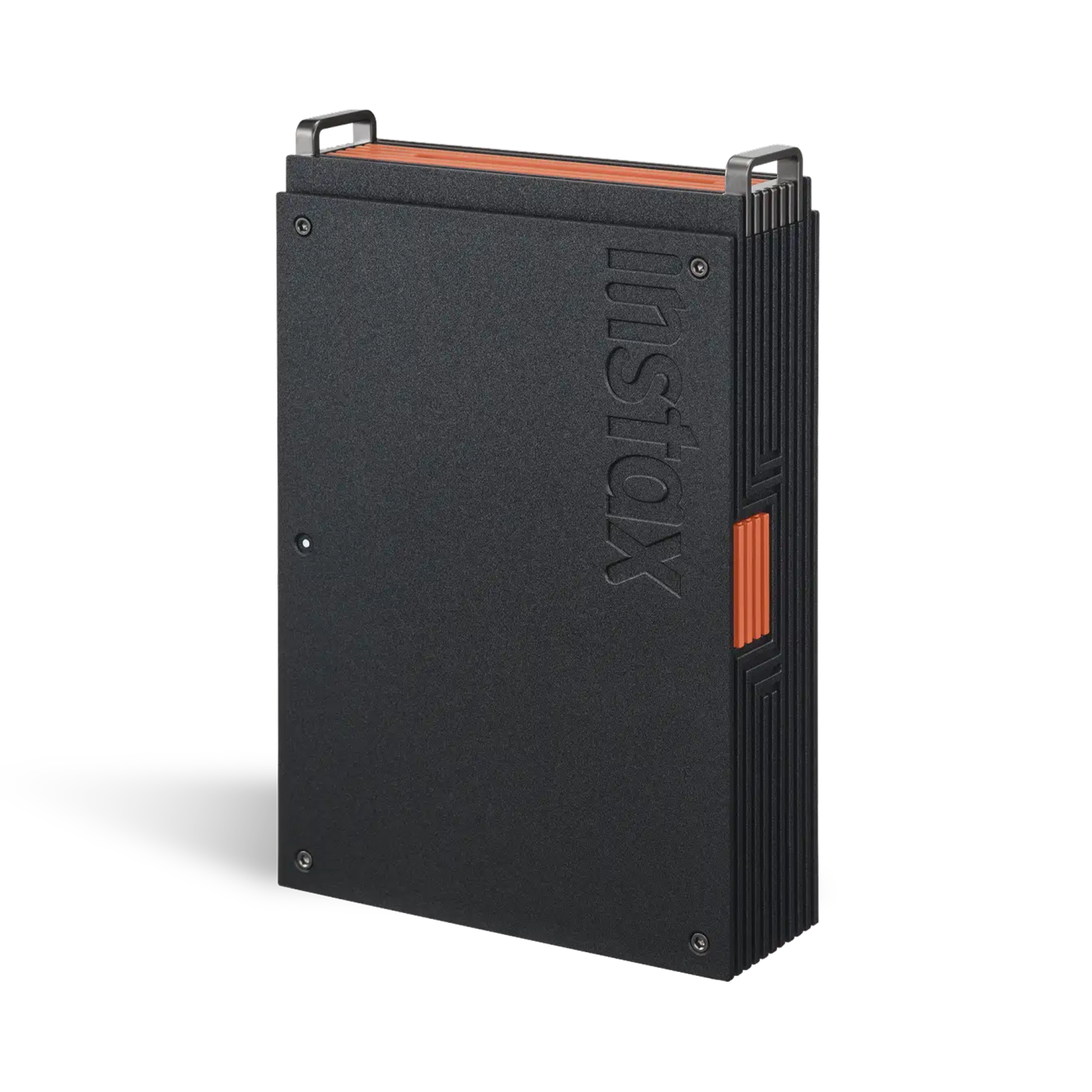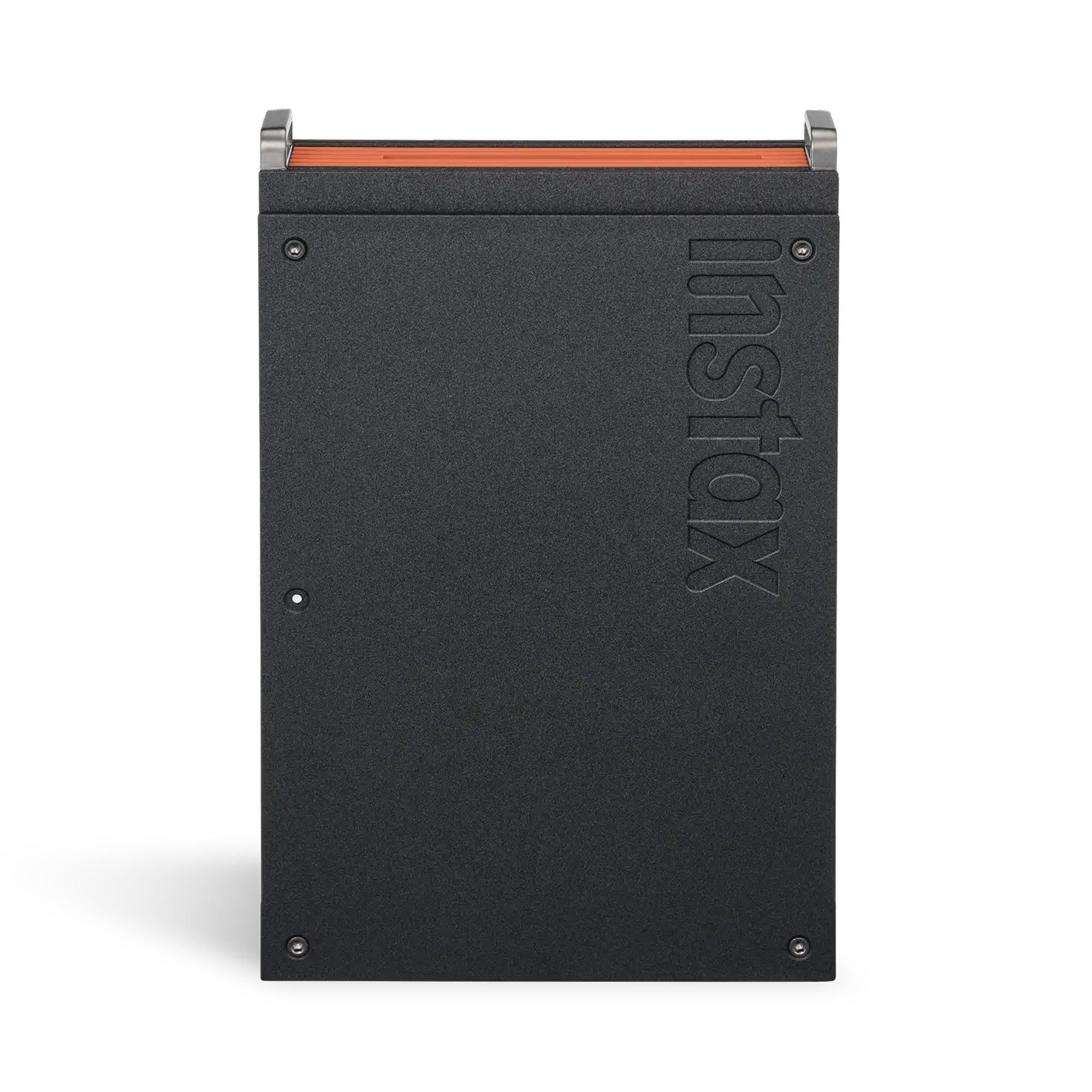
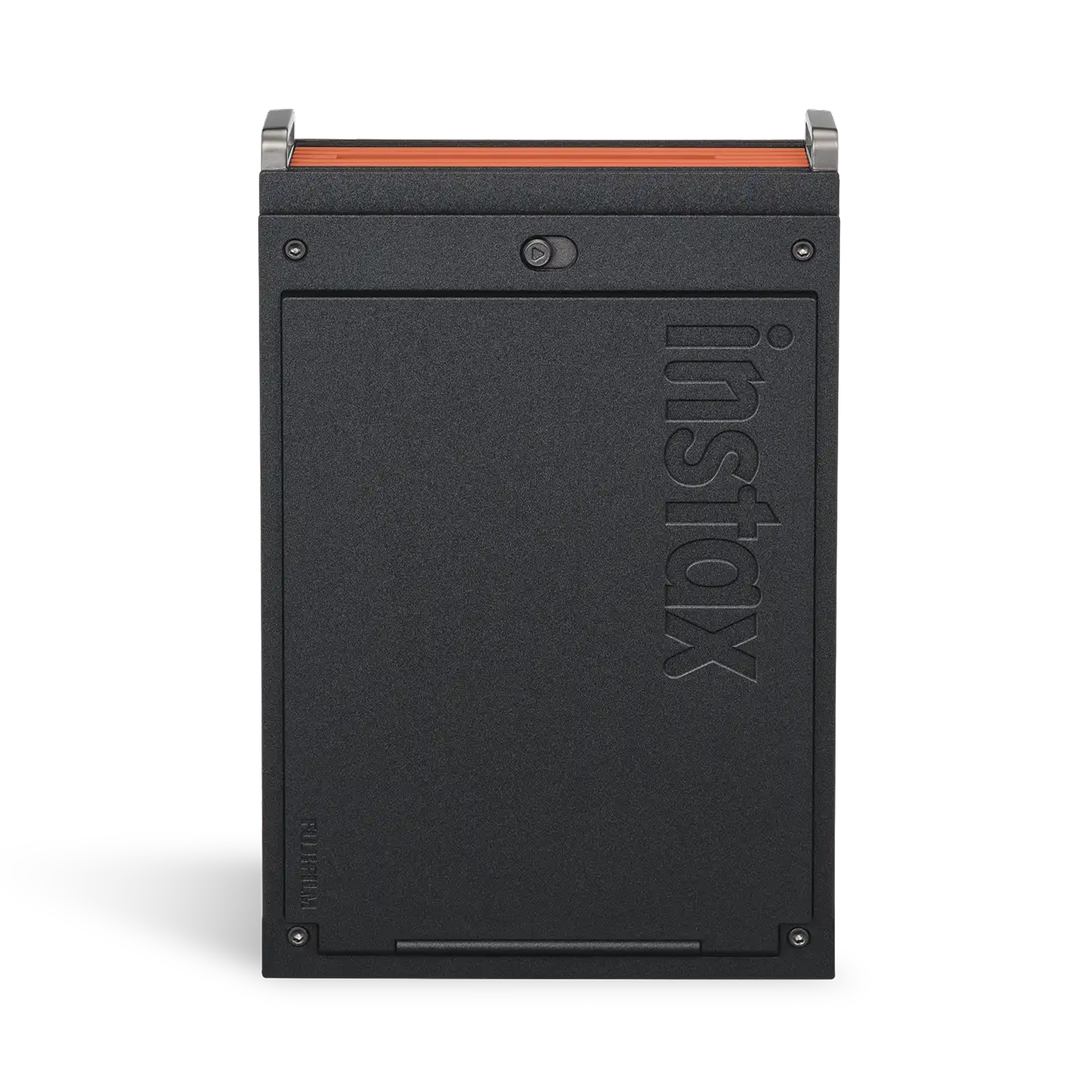
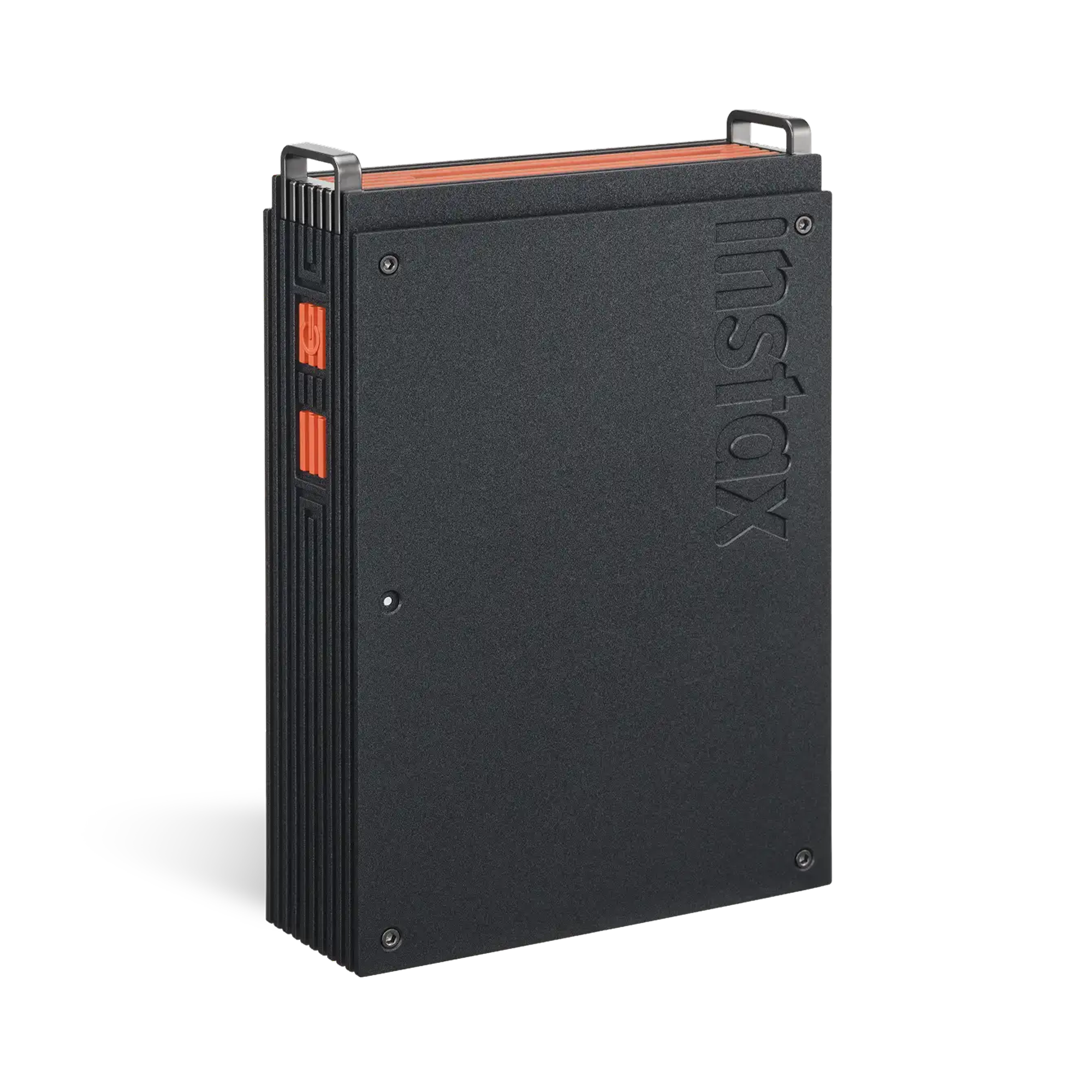
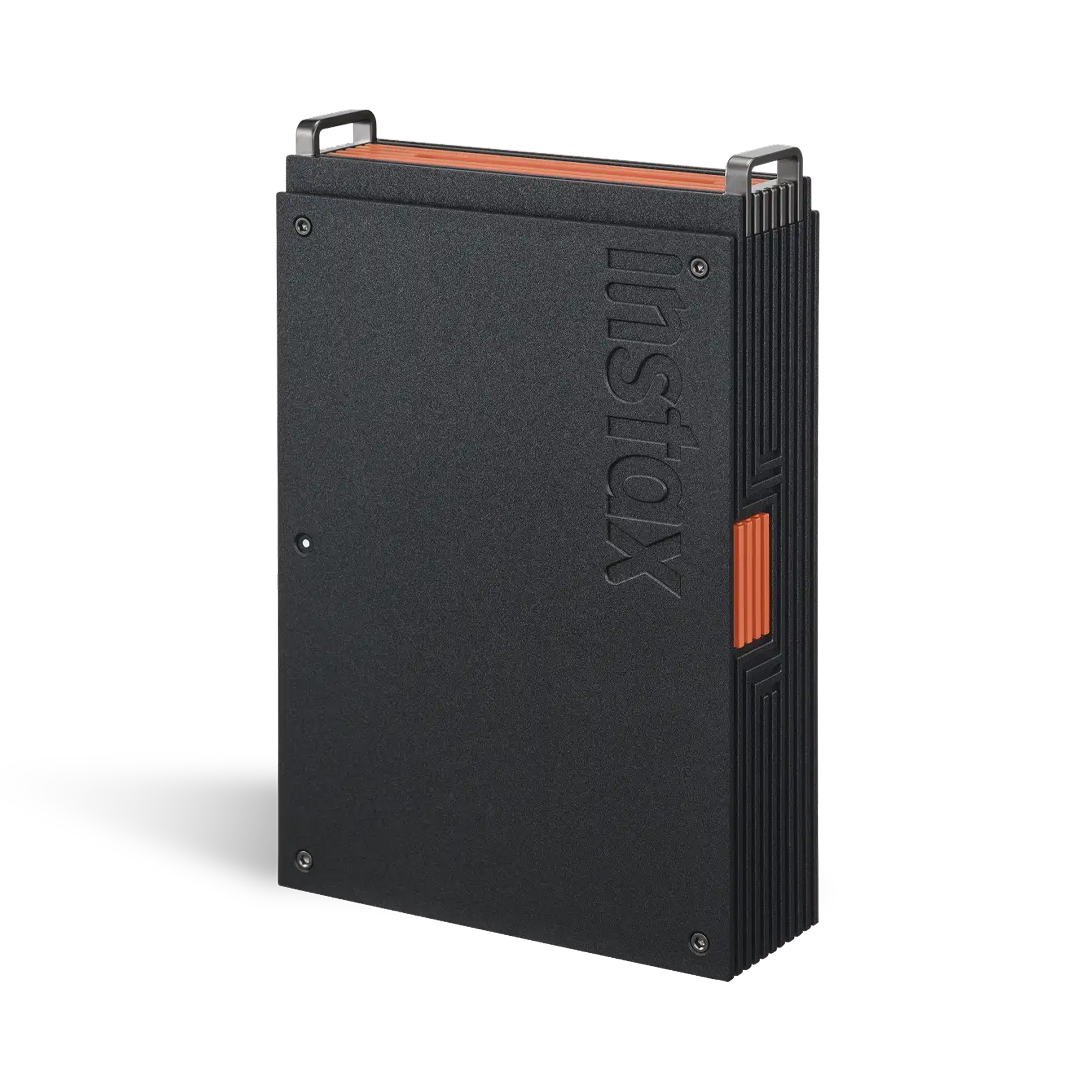
Fujifilm Instax Mini Link+ Smartphone Printer
Maximize maximalism
Bring your everyday (and not-so everyday) inspirations to life with the instax mini Link+ Smartphone Printer – designed to print not only who you love, but also what you love. Think illustrations, movie posters, graphic designs. Download of free instax mini Link app required.
And printing them is super easy, effortlessly pulling photos straight from your smartphone’s camera roll or pins directly from your Pinterest* account, before turning them into striking, lasting instax mini instant photos (instax mini instant film required, sold separately). In the free instax mini Link app, Design Print Mode even makes sure text-rich layouts and intricate illustrative work such as magazines, posters and artwork are printed with sharpness.
Then there’s Simulation Mode, which allows you to visualize your instax mini instant photos in real life in the app before they print on the printer. Try frames, walls, shelves, or even a phone case (all sold separately) to experiment with placement, style and impact.
Want speedy content printing? Multiple Print Mode lets you print 10 images that you’ve previewed and selected in Image Simulation Mode in a single step, helping to preserve your creative momentum. You can even turn a fleeting moment within a video from your smartphone’s camera roll into a sharp, stylish instax mini instant photo with the free downloadable instax mini Link app. Simply select your favorite scene within the video and print it effortlessly.
When it comes to telling a rich, personal story, the Collage Print app feature is the perfect way of combining multiple images into a single instax mini instant photo…. whether they’re shots of your friends and family, or Pins from a Pinterest board.
Plus, with two print quality modes in the app: instax-Natural Mode for clean, subtle tones that echo classic film, or instax-Rich Mode™ for dynamic, saturated color, you can embrace color easily.
Finally, remote shooting using the instax Camera app feature helps you embrace togetherness, motion control gives you the power to reprint multiple images, and the instaxAiR Studio app feature lets you add ‘in-the-moment’ 3D AR effects before you’re taking the shot. This slim, minimal design instax mini Link+ smartphone printer really knows how to deliver maximum impact.
Highlights:
- Design Print: Clear, detailed prints that capture every fine detail and typeface. Exclusive to the instax mini Link+.
- Content Printing: Choose content directly from Pinterest or your camera roll.
- Simulation: Preview how the images will look when displayed.
Features:
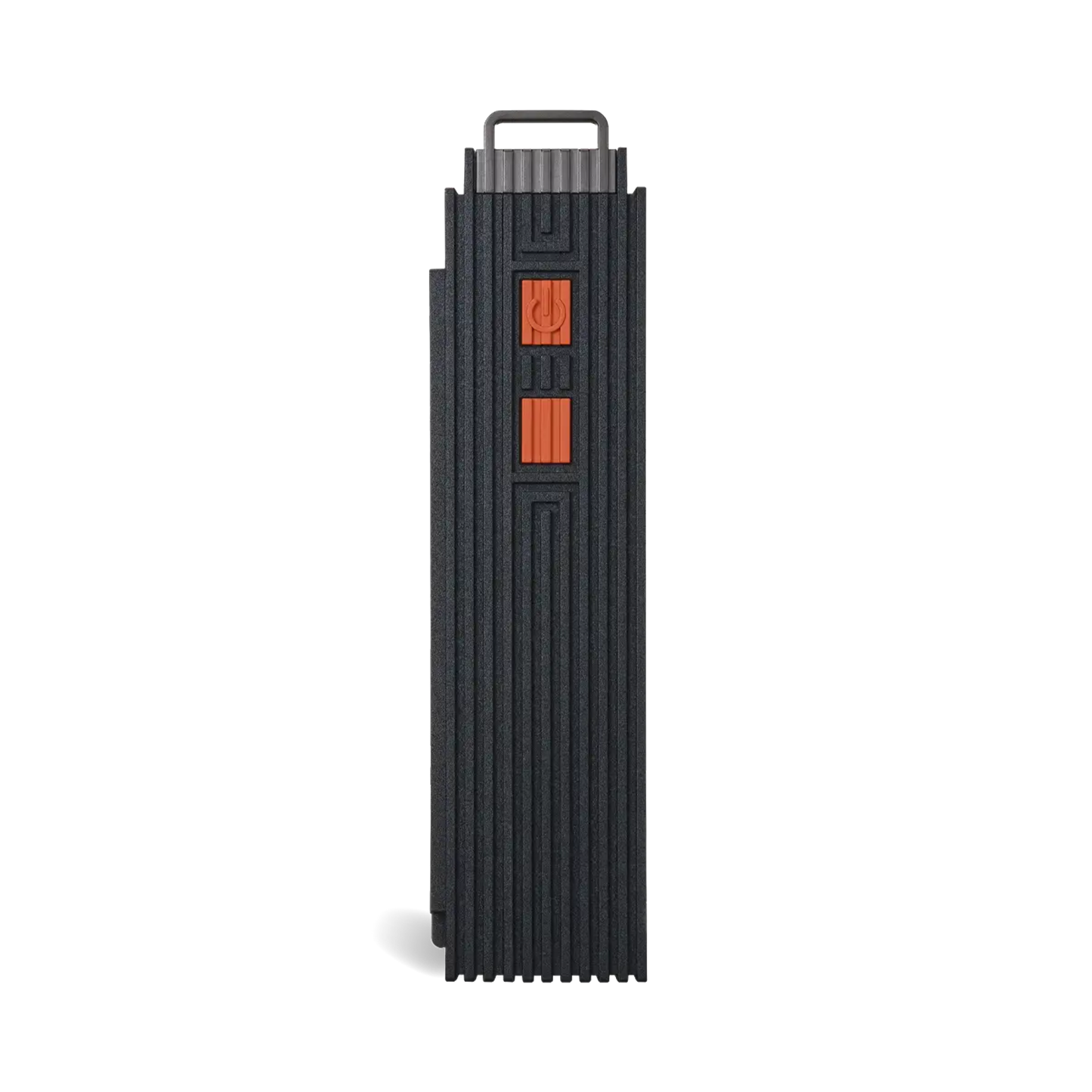
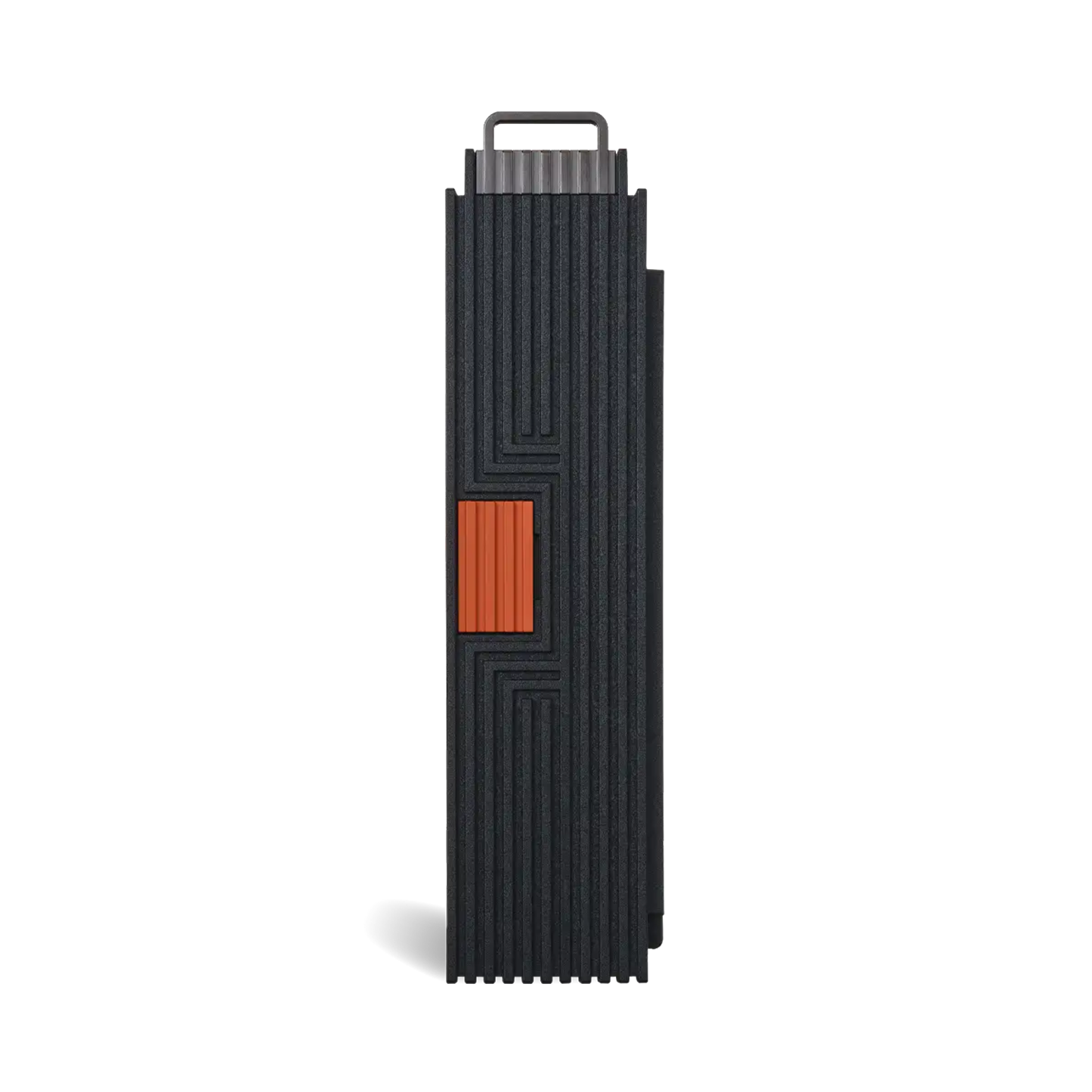
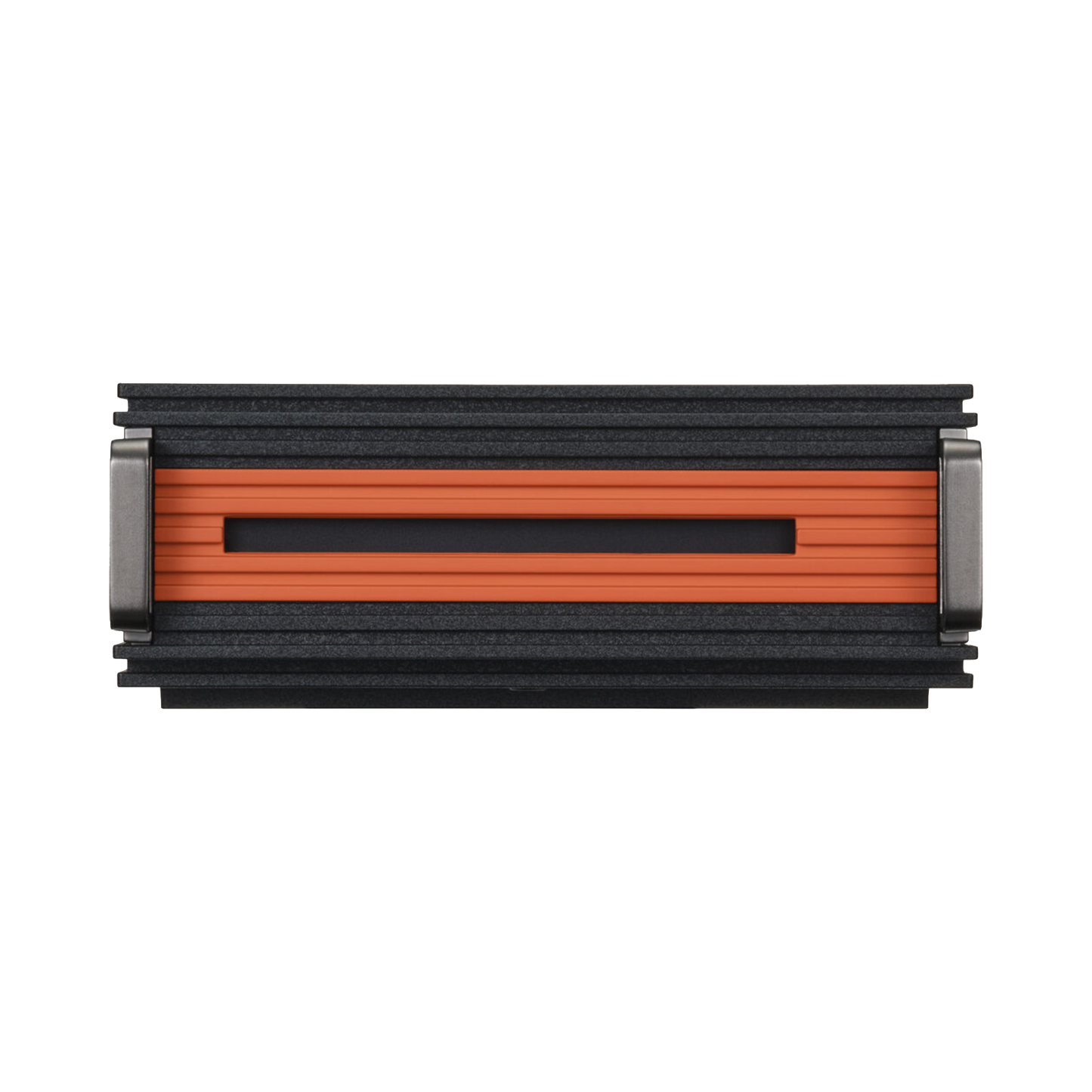
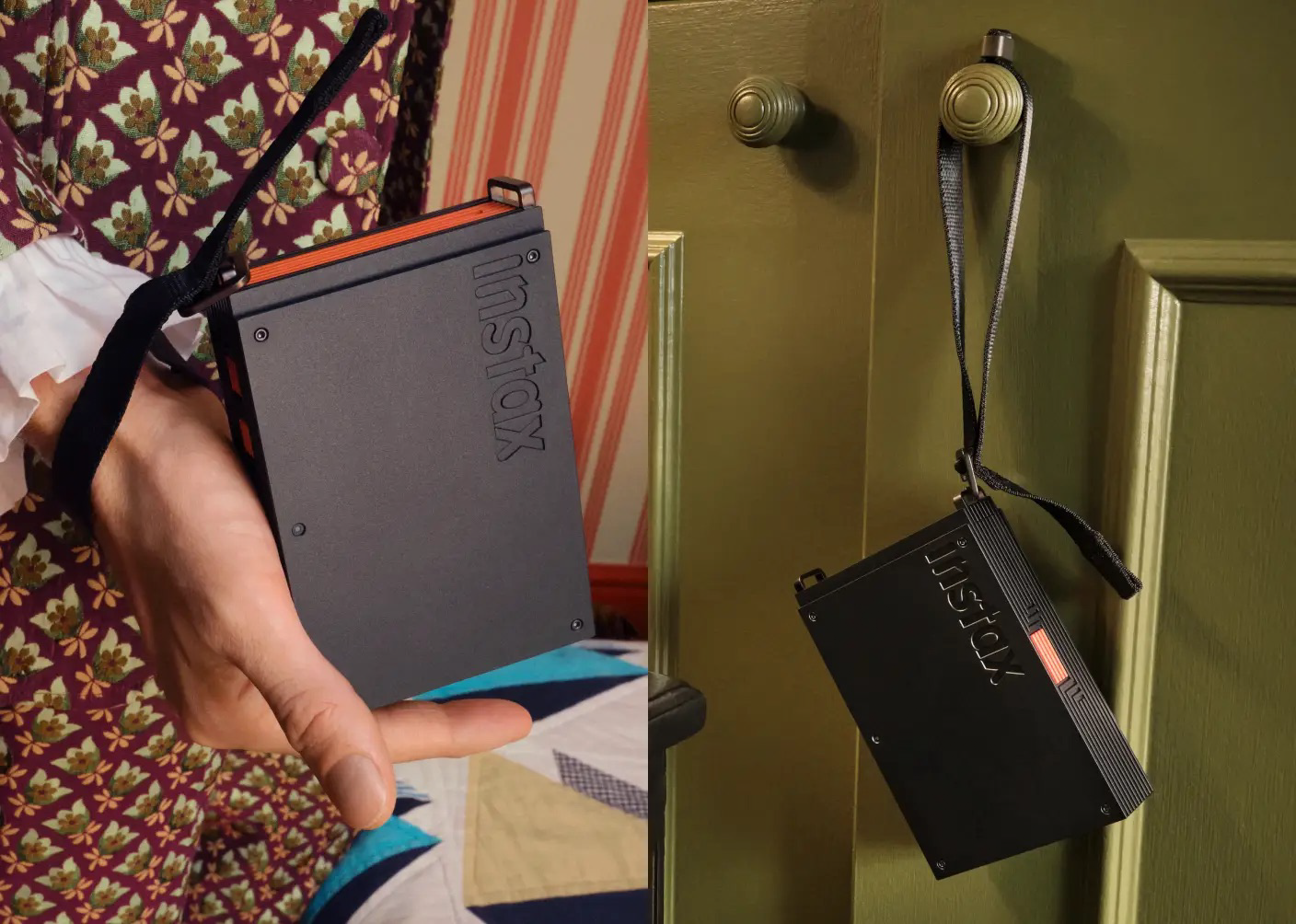
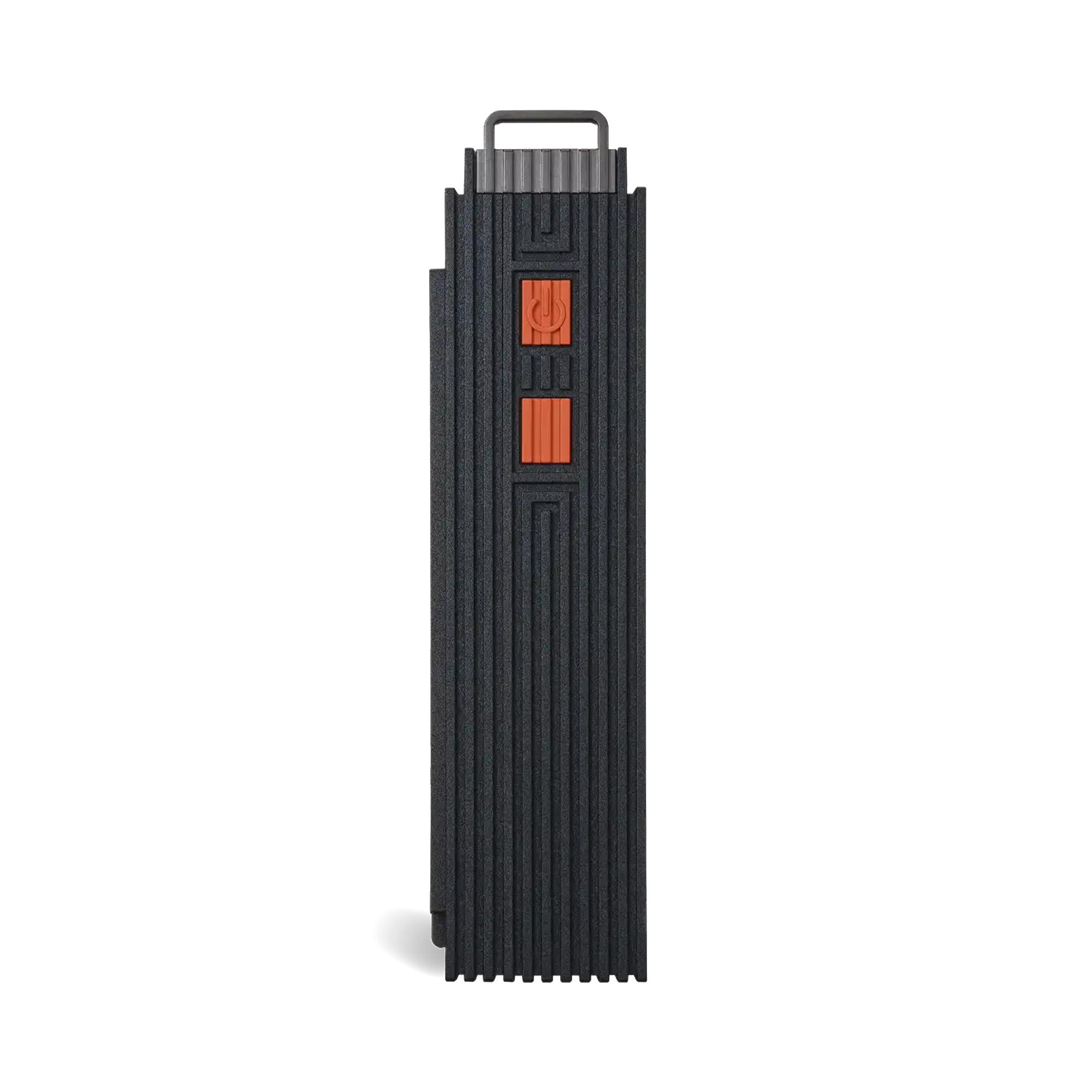
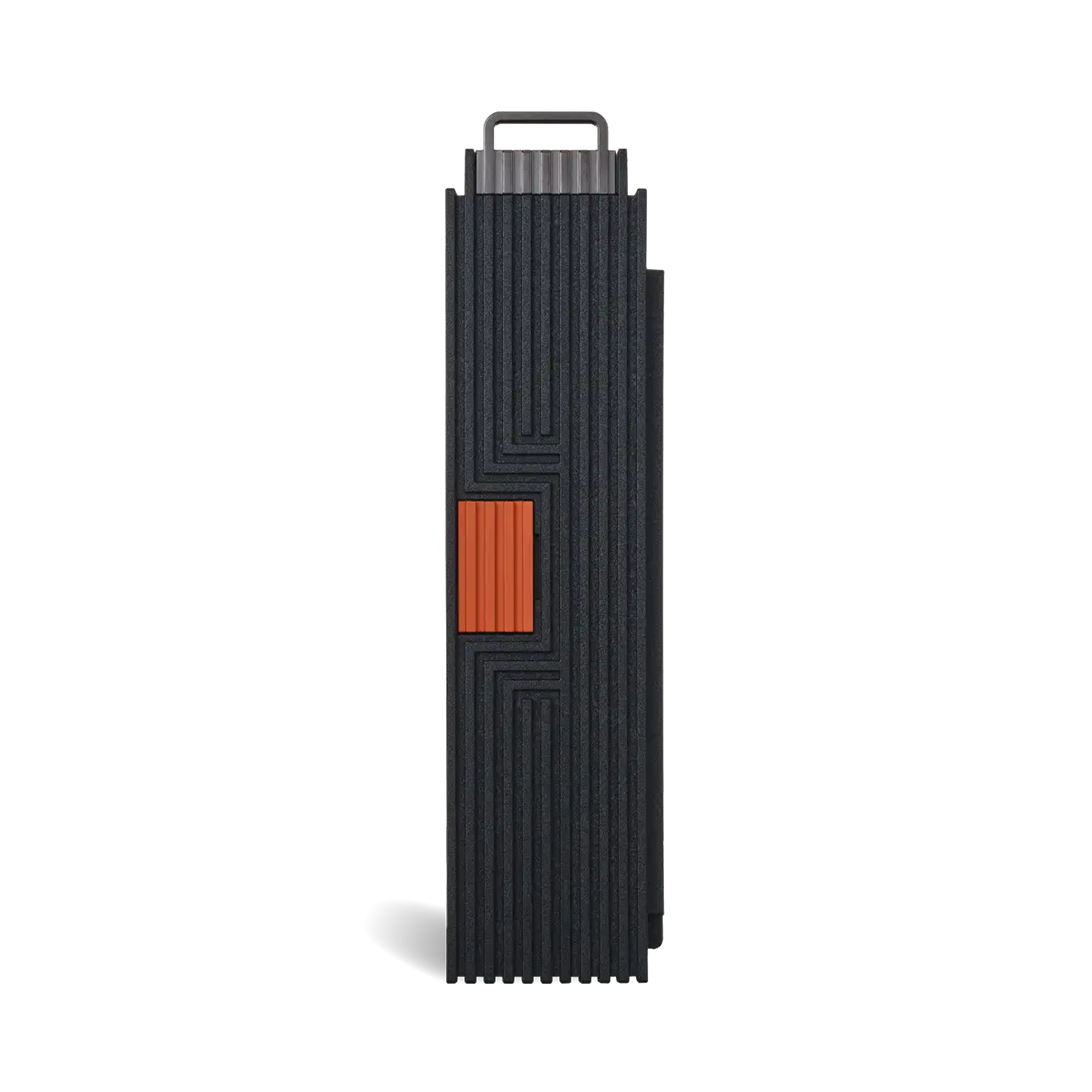
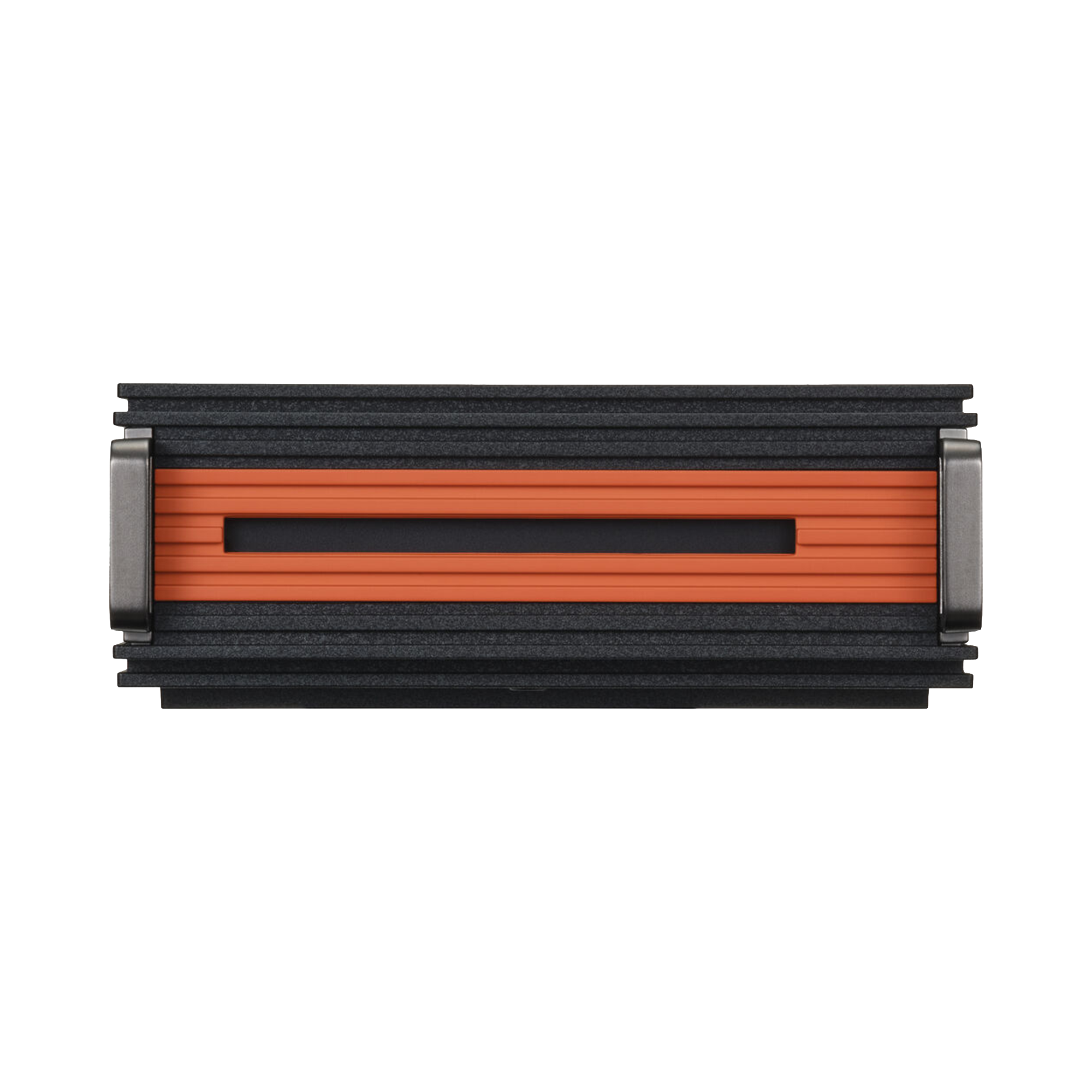
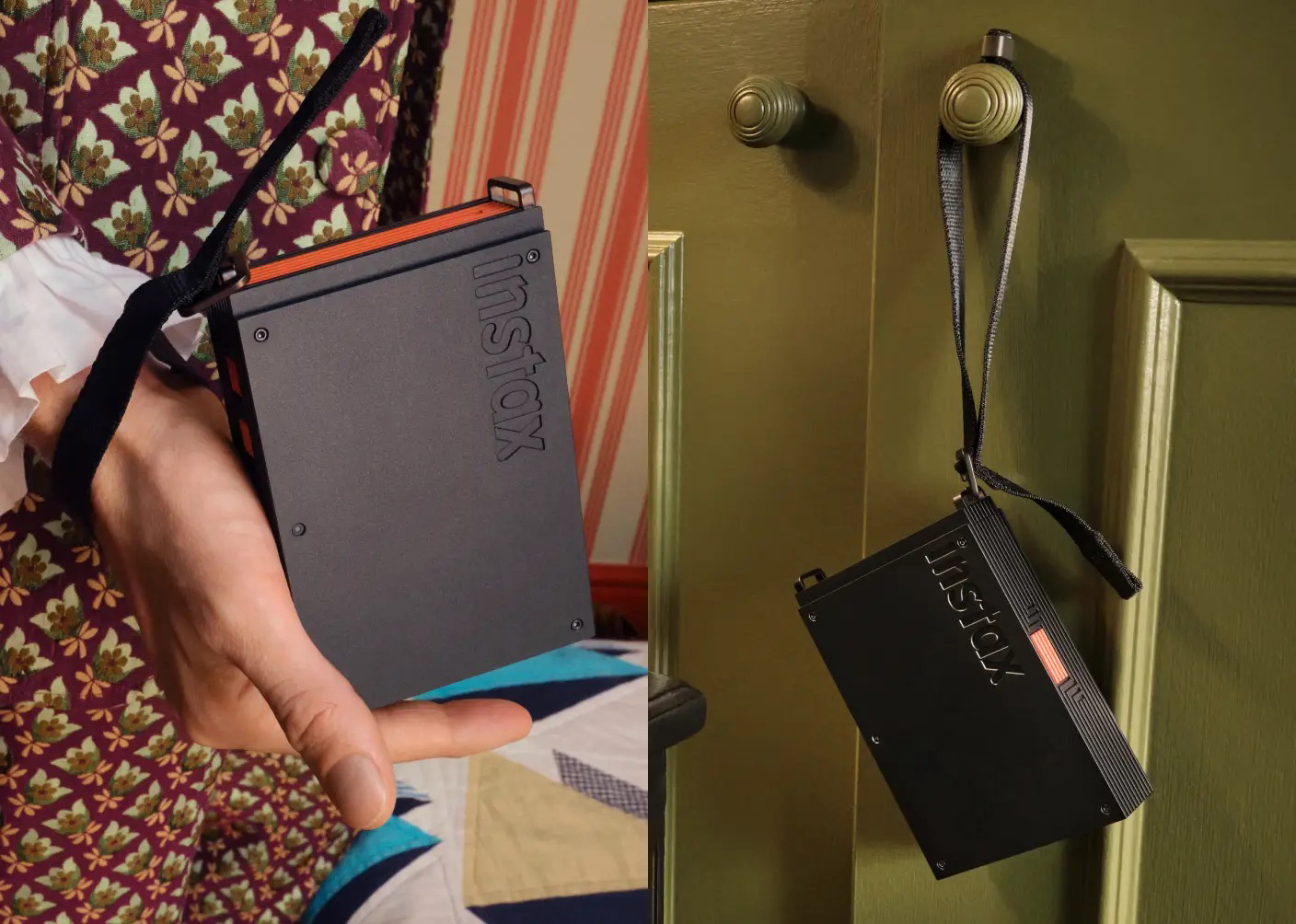
- Slim black design, with a subtle orange accent
- Requires download of free instax mini Link app and Bluetooth** pairing
- Prints photos from your smartphone’s camera roll or linked Pinterest account
- Engineered to print text-rich and intricate layouts using Design Print Mode in instax mini Link app
- Prints up to 10 images, one after another with Multiple Print Mode in app
- Prints videos from your smartphone’s camera roll
- instax mini Link App includes the unique and fun 3D AR effects of instax AiR Studio and Click to Collage App features
- Edit print quality mode, add text, frames and filters using the free instax mini Link app
- Motion control
- Includes USB-Type C port for easy charging
- Prints on 2” x 3” instax mini instant film (instax mini instant film sold separately)
Additional Features:
- Change Print Quality Mode: Choose from two print quality modes
- Fit Mode: Fit the image perfectly within the frame to fit perfectly Adjustable
- Change App Appearance Mode: Choose the app's images options and customize the app to your liking.
- Collage Print: Give your prints a more stylish look and combine all your favorite photos together!
- Frame Print: Choose fun frame designs to add to your photo.
- instax Camera: Tilt the printer to zoom in or out.
- Shutter button: Use the printer's power button as a shutter release! Zoom in & out with ease, then press the power button to take the shot.
- instax AiR Studio: Use the App's built-in 3D AR effects to create unique, one-off images.
- Remote live view: Share the experience of taking photos with others using Remote Live View in instax AiR Studio mode.
- Photo with QR code: Save movies into scannable QR codes on instax photos showing scenes captured with the instax AiR Studio.
- Click to Collage: Take photos at 3-second intervals and recreate the photobooth experience!
- Match Test: Test your compatibility with friends and watch the results appear on your print!
Compatible With:
Film:
- instax mini instant film (Sold Separately)
Optional Accessories (Sold Separately):
- Printer Case
Uses:
- Works as a smartphone printer
- Display photos in a frame, pop into a phone case, and enjoy seeing your creative vision, printed.
Size:
Print Image Area: 1.8" x 2.4"
Print Film Size: 2" x 3"
Print Image Shape: Rectangle
Connectivity:
Fujifilm instax mini Link App
How to Print with the instax mini Link App:
1. Collect
Using the dedicated app, display your favorite content within instax™ frames, ready to be printed.
Select your favorite content from Pinterest or your smartphone's camera roll and import them all at once to the app homescreen. Create & curate a collection that reflects you.
2. Simulate
Visualize your instax photos in situ before they reach the printer. Try frames, walls, shelves, or even a phone case to experiment with placement, style and impact. Helping you plan and print with confidence.
Simulate your instax photos in-app before printing.
3. Print
Turn your favorite selected content into instax photos using Design Print or Simple Print, easily.
Dimensions:
6.5 x 4.33 x 2.95"
Weight:
1.01 lb
FAQs:
Is a smartphone app required to use this product?
The use of this product requires a free downlaod of the instax mini Link smartphone app. Please check the app download sites (iOS, Android) for availability and compatibility, as the app may not be accessible depending on your smartphone's operating system.
How can I set the automatic power off for the printer?
Follow the procedure below.
- Launch the instax mini Link app and tap the settings icon on the upper right.
- Once you are on the settings menu, access the "Printer settings" tab and tap Automatic power-off settings."
- Select whether or not to turn off the printer automatically.
How many smartphones can be connected simultaneously to the printer?
One. To connect another smartphone, you will need to unpair the smartphone that is currently connected.
Why does the app ask for access to location services, etc?
Location needs to be enabled in order to connect to the printer through Bluetooth.
How do I check the battery level?
Check battery level by pressing the function button on the side while the power is on.
- LED Flashes green once: Low Battery Level
- LED Flashes green twice: Medium Battery Level
- LED Flashing green three: High Battery Level
What is "Fit Mode" found on the print image editing screen?
Fit Mode is a feature that neatly fits the image without creating margins, even if the image's aspect ratio doesn't match the instax mini format print size's aspect ratio. It fills the missing area with colors from the original image to match the print size's aspect ratio.
What X Series camera models are compatible, and how do I connect them?
Follow the procedure below when using Xapp.
- Transfer the images you want to print from your digital camera, then save them on your smartphone.
- Launch the instax mini Link™ app to import the saved images and print.
Is the instax mini Link+ compatible with the instax SQUARE Link and instax Link WIDE apps?
Apps are only compatible with their specific device.
Product SKU:
16949674
In The Box:
Fujifilm Instax Mini Link+ Smartphone Printer
USB Type-C Cable
Strap
Quick Start Guide
Limited 1-Year Manufacturer Warranty